Why Your Etsy Listings Get Clicked but Don’t Sell
What’s Missing?
If your listing is getting clicks but not sales, you are closer than you think. Clicks mean your thumbnail and title did enough to get attention, and the missing piece is usually what happens after that click. Most conversion problems are clarity problems, trust problems, or friction problems.
The good news is this is fixable. You usually do not need a full shop overhaul. You need targeted listing improvements that remove hesitation. New sellers often assume low sales always mean low demand, but in many cases demand exists and buyers just do not feel fully confident in what they are buying yet. Closing that confidence gap is the fastest win. In simple terms, your job is to make the listing feel obvious and safe so the buyer does not have to guess.
The Conversion Gap
Conversion means a shopper visits your listing and buys. Conversion rate is the percent of visitors who buy. If 100 shoppers click and 2 buy, your conversion rate is 2 percent. A conversion gap happens when traffic looks healthy but purchases stay low.
That gap usually points to listing quality issues, not just keyword issues. Strong titles get the click, and clear listing details with trustworthy shop signals get the sale. It helps to separate visibility from conversion. Visibility means how often Etsy shows your listing, while conversion means what happens once someone lands on your listing page. Both matter, but they need different fixes, so look at them one at a time and make changes in a simple order.
If your visibility is decent and your clicks are decent, your next leverage point is buyer confidence, and that usually comes from better clarity, fewer surprises, and stronger trust signals. Trust signals are clues that tell buyers your shop is dependable, like clear policies, on-time shipping, and consistent reviews.
Photos and Titles
Your first photo and title set buyer expectations. If they are vague, overly styled, or mismatched, shoppers feel uncertain the second they land on the page. Use a clean first image that clearly shows the exact product being sold.
After the click, your remaining photos need to answer buyer questions quickly. Show size, detail, angles, and real-life context so the buyer can picture owning it without guessing. A common issue is promise mismatch. The thumbnail suggests one version of the item, but the listing details show another version, different quantity, or unexpected variation rules. That mismatch kills momentum, so give each photo a clear job and make sure each image supports what your title promised.
Titles should stay readable. If your title sounds like a keyword dump, simplify it so a real shopper can scan it comfortably. It helps to review your listing like a buyer who has never seen your shop before.
Buyer Friction
Pricing and shipping are the biggest friction points. Your item does not have to be the cheapest, but value needs to feel obvious compared to what the buyer sees. Shipping friction appears when costs or timing feel unclear.
A simple pricing structure and transparent shipping expectations reduce hesitation fast. Buyers are much more likely to complete checkout when there are no surprises. Even small surprises can stop a sale, so spell out key costs and timing in plain words that are easy to scan.
Friction also appears when buyers must do too much mental math. If price, shipping, and delivery timing are scattered across the listing, checkout feels uncertain. Clear numbers in clear places reduce that stress, especially when buyers are comparing multiple listings.
If your item price is higher than similar listings, explain the value clearly. Better materials, custom work, and more durable construction can justify higher pricing when buyers can see the difference, not just read a claim. The goal is not to be cheapest, it is to make the value obvious enough that the buyer feels good saying yes.
When buyers compare listings, they are making fast trust decisions. Clear shipping windows and simple pricing language make your listing feel safer and easier to commit to.
Expectations vs Reality
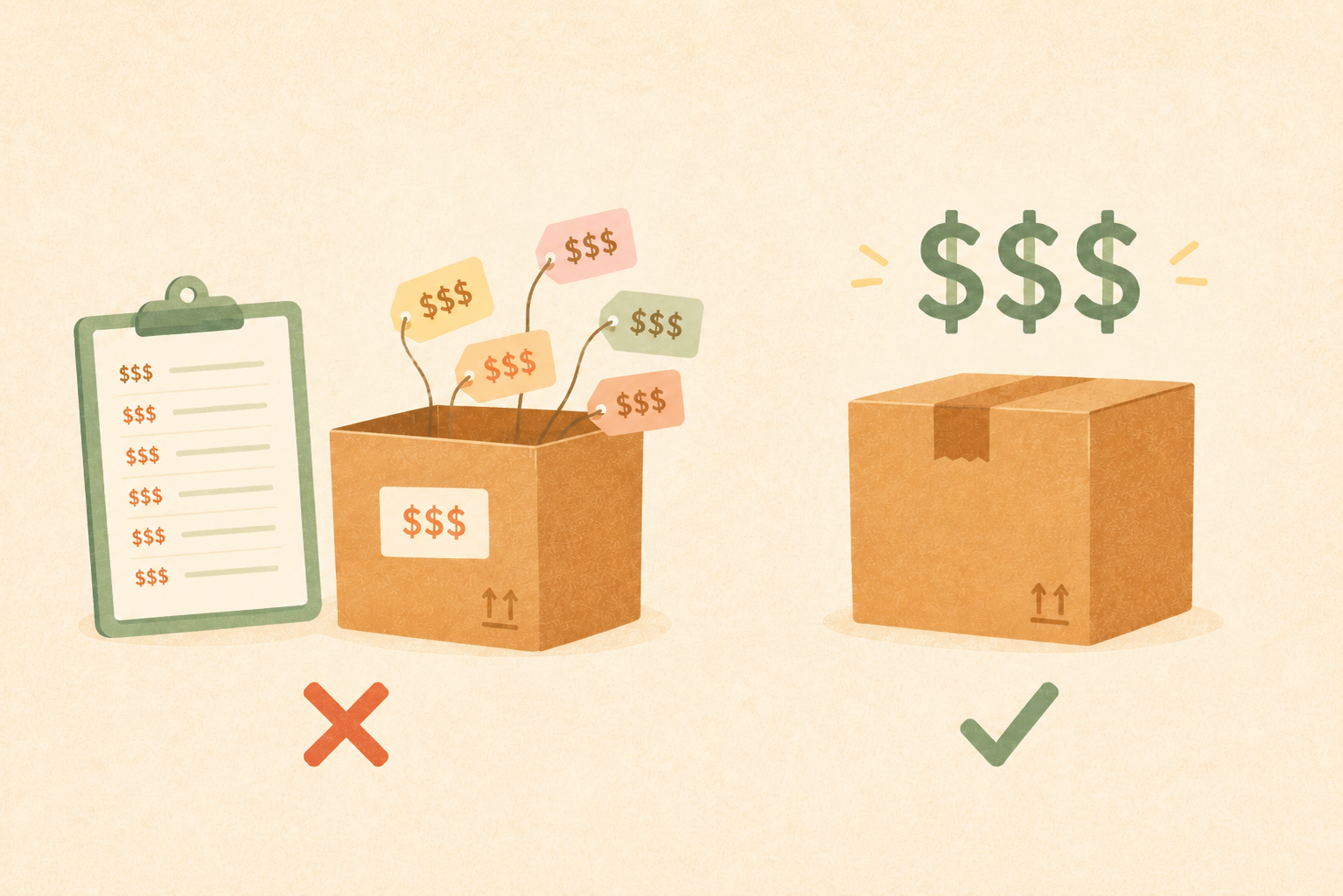
Many lost sales come from expectation mismatch. The title promises one thing, photos suggest another, and the description leaves out key details like size, material, or what is included. Put must-know facts near the top of your description.
When your listing copy, photos, and options all match each other, buyers feel safe making a decision. That is when clicks are more likely to become sales.
This section is where many new shops win quickly. Small wording updates can prevent wrong assumptions before they happen, which means fewer returns, fewer frustrated messages, and more satisfied buyers. Describe what is included in plain language so buyers are never surprised after delivery.
When expectations and reality match, conversion usually improves because buyers feel informed and in control of their purchase decision.
Trust Gaps
Trust gaps are small missing pieces that make buyers hesitate. Common examples are incomplete shop policies, thin review history without reassurance, and processing times that feel unrealistic. Trust signals are clues that tell shoppers your shop is dependable.
You do not need a perfect shop to build trust. You need consistent signs that show buyers they will get what they expect. Response speed matters more than most sellers realize. A quick and helpful reply can save a sale that would have quietly disappeared, and clear policies help people feel better about buying even when they never send a message.
Over time, strong trust signals compound. Buyers feel safer purchasing now, and future shoppers feel safer after seeing positive reviews from those orders.
If you are new and do not have many reviews yet, focus on reliability first. Fast responses, accurate shipping, and clear listings can build trust even before review volume grows.
Your New Plan
Use this 7-step fix plan to close the click-to-sale gap without overwhelm.
- Pick one listing with strong clicks and weak sales.
- Replace the first photo and tighten the opening title words.
- Move key facts to the top of the description.
- Simplify pricing story and clarify shipping timing.
- Confirm policies, processing times, and variation clarity.
- Review listing on mobile and fix anything confusing.
- Publish changes, then track clicks, favorites, and sales for 2 to 4 weeks.
Do not change everything across your whole shop at once. Learn from one listing, keep what works, then repeat that process on the next listing.
This plan works because it removes guesswork. You are making focused updates, then giving the listing enough time to respond before the next round of edits. If your first listing improves, write down exactly what changed so progress stacks month after month and you can repeat what worked.
Steady compounding changes beat dramatic overhauls. Keep your process simple, keep your messaging clear, and let consistent improvements drive the results.
As you run this plan, focus on one clear goal per week. Better clarity, better trust, or lower friction. Keeping one goal at a time makes your edits cleaner and your results easier to interpret.
After a few cycles, you will have your own playbook. That is when growth becomes less stressful, because you know exactly how to diagnose a weak listing and improve it with confidence.
Give each change enough time to show results. Quick, consistent testing builds reliable momentum and helps you grow without second guessing every listing decision.
That patience is often the difference between random edits and repeatable sales growth. Keep the plan simple, keep notes on what changed, and let each listing teach you what your buyers respond to.
Ready to Apply This?
Try the Tagloom tag generator for free
Turned what you learned into action. Generate 13 optimized Etsy tags in seconds to improve your listing today.